
The phone dash
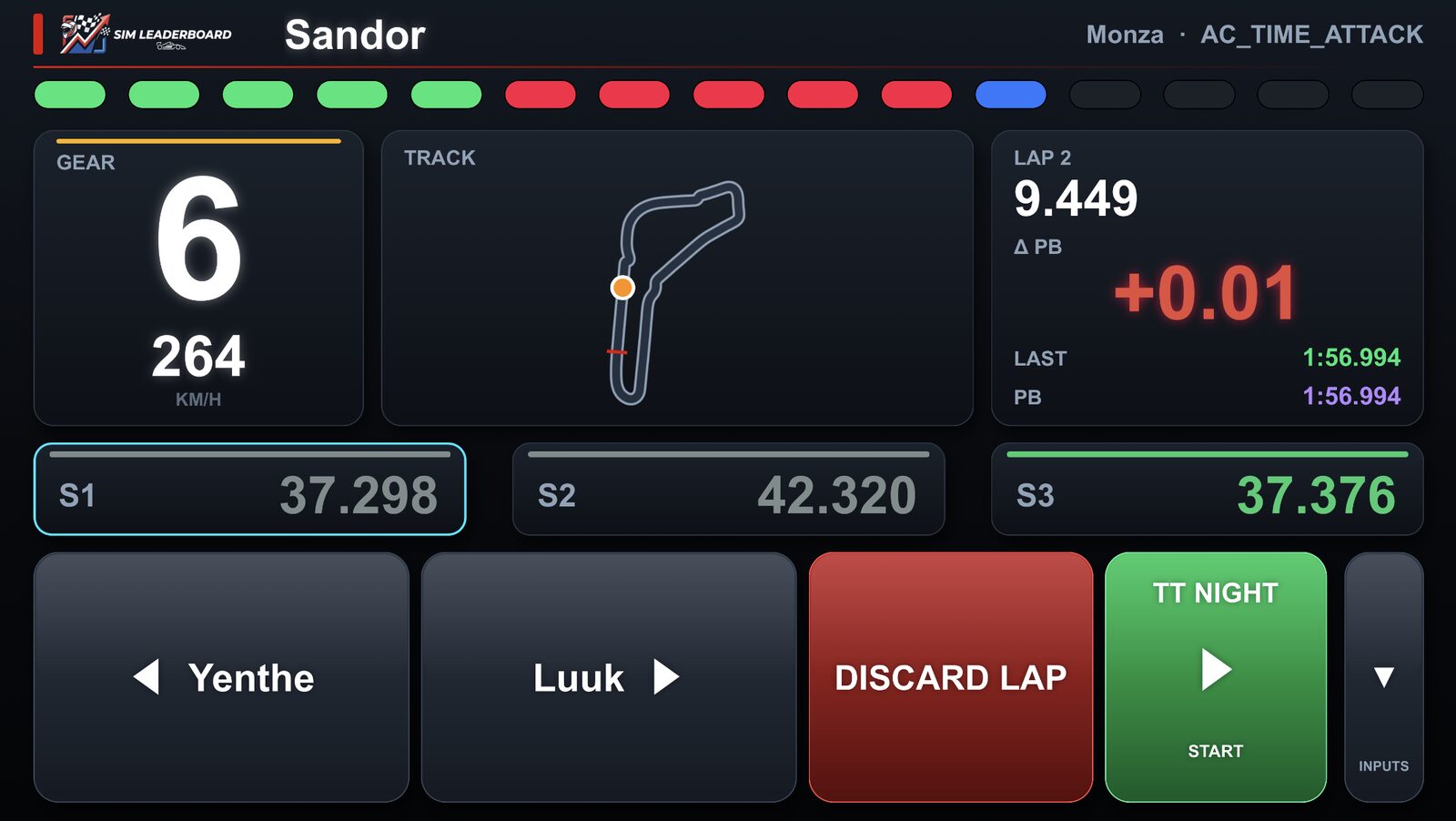
The app has dashes for your phone or tablet: gear and speed, sector times, a live delta to your best lap, throttle/brake/steering bars and a track map, in several layouts and skins.
- Phone and rig on the same Wi-Fi. The QR code on the app's Dashes tab opens the dash picker; pick one and hold the phone sideways. Swipe left or right for the next dash. (With the SimHub plugin: SimHub's dash SIM Leaderboard Phone.)
- The top bar is the rev lights; the right block shows the lap time, the live gap to your best lap (green = faster) and your last and best lap.
- Next to it, P1 shows who leads the board you're driving for, with your live gap to their lap (needs the rig connected to your account; F1 25 for now). It updates after every valid lap of yours.
- AC EVO: the game sends no sector times, so the dash splits the lap in thirds and compares each with your best lap. EVO has no track map of its own in SimHub: the Lap Tracker draws one from the start of the session when anyone has driven that track (any car), else after your first full lap there.
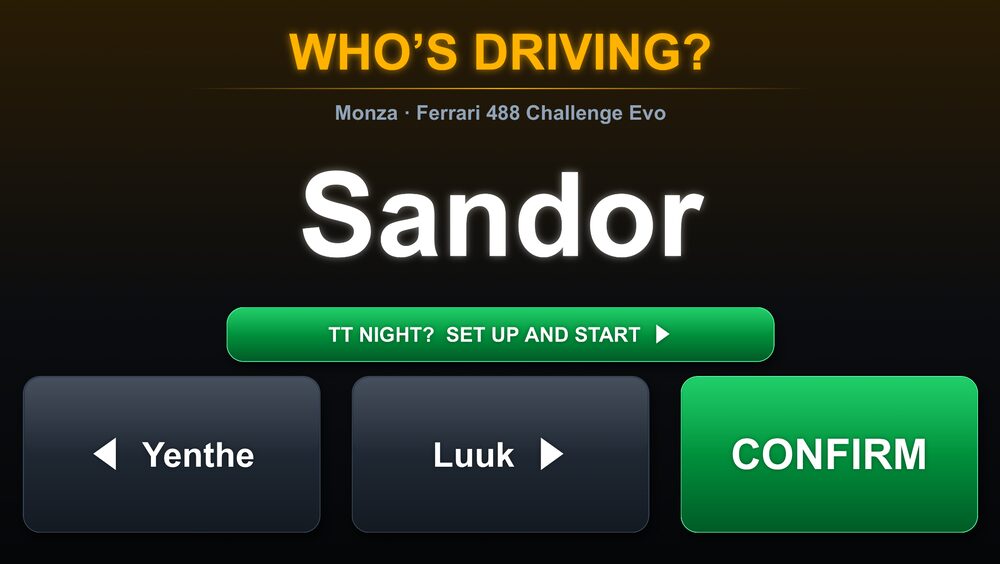
- The small button on the right switches between the inputs and the driver buttons.
More in the guide: Getting started · Which laps count · iRacing · Switching drivers · The on-screen overlay · Leaderboards · Weekly challenges · Driver rankings · Driver rating · Achievements · The lap page · Setups of the fastest laps · My laps: every lap you drove · My progress: how you develop · Graphs and mini-sectors · Replay: 2D and 3D · The corner table · Telemetry Studio · Track maps · Your account and notifications · Profile, friends and groups · Rigs and friends · Fair play · Privacy and your data · Troubleshooting